Pine Barrens
by Harry Lichtman
Large Version Included
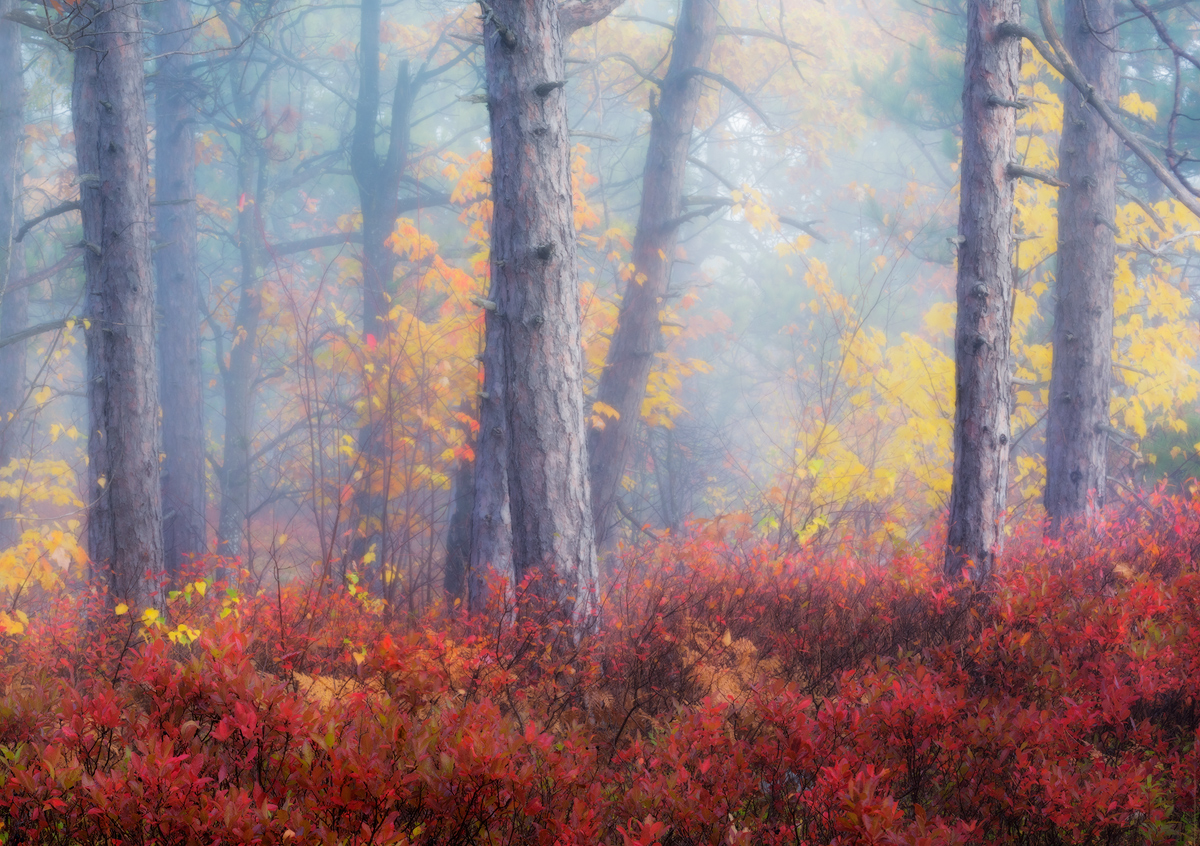
A foggy summit scene atop Mount Major in NH's Lakes Region. Sunrise broke through the mist and created some great lighting and atmosphere. I posted the original in Landscape Gallery, reduced the details in the foggiest portions of the image by reducing clarity in those areas and adding a slight Orton. Hopefully these emphasized the foggy mood, though may be difficult to tell the differences compared to the original for this image.

Comments
5 commentsOK , so cool you did this with Orten. I am a big Orten fan. Anyway, I went and looked at your landscape one where you decreased clarity. I think I prefer that one better as it seems more mysterious. But , both are very nice. Maybe on this one try to blend your layers differently, adding in more of the blur layer?? But that is what I would do, all in the eye of the artist.
BTW, I was just doing an Orten yesterday and I am curious what you used to get your blurred layer? I had tried several techniques in photoshop in the past , but yesterday, I tried blurring the layer through Topaz using a couple of the blur techniques through lens effects.
Best
Kathy
1) duplicate the background layer (I click and drag to the "new layer" icon on the properties panel).
2) apply a gaussian blur to the new layer
3) Add a black mask and then paint in white with a moderate opacity (I like 25 - 30%) to adjust where and how much blur gets applied. With a very soft blur brush, you should be able to get only a little blur on the trunks using the brush edges, while controlling the amount of blur in the leaves with the number of brush strokes.
My method is identical to Mark's, except that I am recently using Topaz to generate the blur layer and the mask. The lens effect filter in Topaz can produce various types of blurs and then you can play with both the opacity and masking. There are several ways to create the masks, both through luminosity and reverse luminosity, and through brush.
Kathy