After six hours of shooting a bunch of multi-frame sequences for panoramas on this ridge, (see
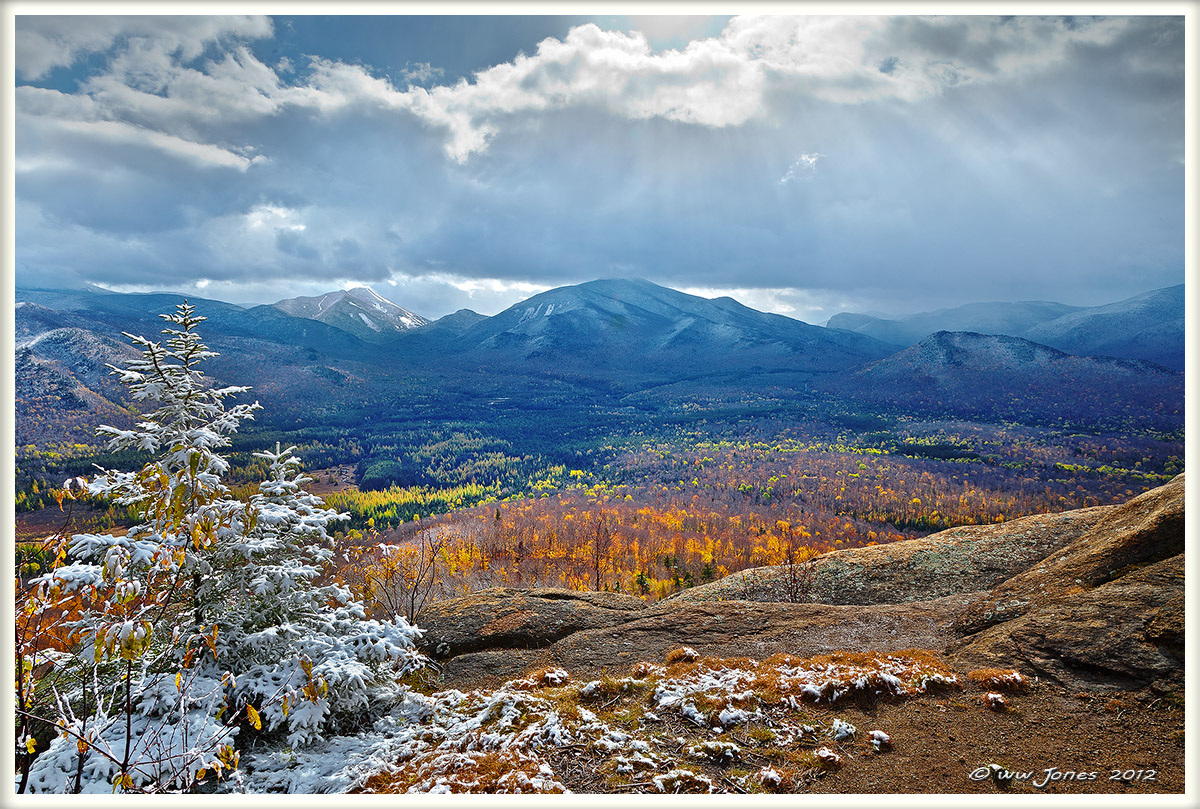
"First Snow on the Peaks", posted last night) I packed up my gear to head back down the mountain. Then I took one last look at the vista and saw some rather faint crepuscular rays. Knowing how fast the clouds were moving, I just grabbed my camera, sat down on a cold, wet rock in the "human tripod" sitting position. Not a 98-megapixel pano like some of the others I got that day, but I think 21MP will look OK.
Still can't decide which of the shots from that day I want to print.
Canon 5DII; 24mm.
1/40 sec. @ f/16; ISO 160 <-- CORRECTION: times were 1/80 for land + 1/160 for sky (processed 2 weeks ago, before stitching other panoramas from that day, since this was a single frame, but bracketed)
"Human tripod" sitting on rock (rifle shooters know what I mean)
P.S. Just noticed this looks like it has way too much cyan on my wide-gamut monitor (a common issue for me) but it does not look that way in Photoshop.

Comments
16 commentsI think this is a beautiful scene... from the trees in the foreground, the fall colors in the valley, sun rays and to the lightly dusted snowy mountains in the background.
Thanks
Nick Bristol
Lone Rock, WI
John & Patty
PAUL: I made a test print, and there is no cyan problem at all. For some reason, this only happens on my Web conversions for NPN (oversaturation with cyan, and sometimes oranges). I have had the problem before. Annoying, but does not show up in PhotoShop or prints.
NANCY: yes, it was nice to spend over six hours on the ridge, sometimes just watching, but at times doing fast work with the tripod for pano sequences as sun spots raced over the landscape. I switched tripod positions four times, and ended up with shots from three different overlooks.
BRAD: Thanks for pointing out the weird spot on top! I processed this at night, right after returning from the shoot (since the other shots were multi-frame panos that needed stitching), and forgot about it. Most of my post-processing was on the bottom 2/3 of the image. I did not do any burning on top, but just blended in a single layer from the auto-bracketed file for the sky, (I shoot a burst of 3 auto-bracketed shots most of the time when there is sky in the view). I just checked, and that spot is in the original RAW file. I don't know what it is --maybe flare? -- but it looks pretty funky, so I'll definitely fix it before printing.