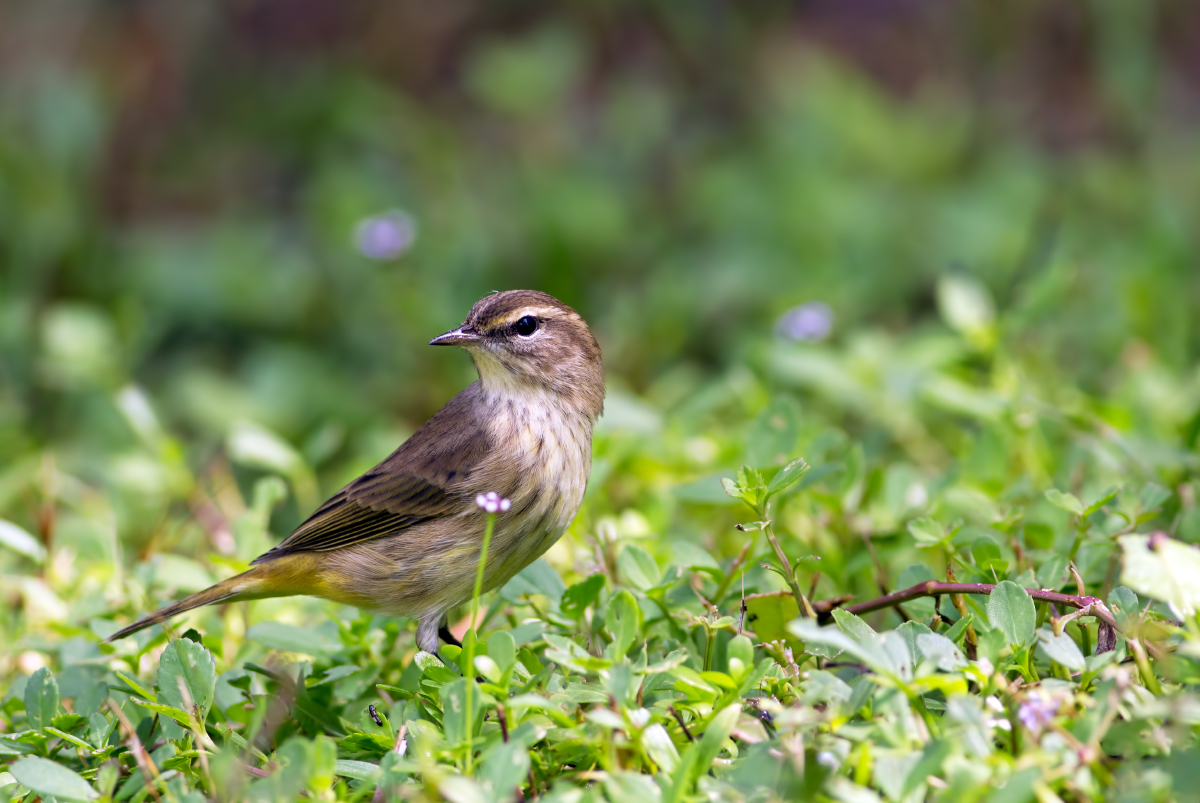
Palm Warbler + 2nd repost
by Barbara Graham
If my ID is incorrect, please correct me. Thanks.
Canon EOS REBEL T2i
EF400mm f/5.6L USM
9/24/2011 – 11:08:44 AM in dappled light
1/500 sec
Aperture priority
f/5.6
ISO 400
Handheld
Spanish Quarry, Anastasia State Park, St. Augustine, FL
Raw, LR3, CS5, 68% of FF
Pros: Very close (the bird's doing, not mine). Bird is sharp and clear. I like the flower. I like the pose. I like the light.
Cons: Personally I don't have any cons on this one, but I think some people will not like the two-toned background or the vegetation. It doesn't bother me, though.
I was sitting in the old Spanish Quarry in St. Augustine, which is now, of course, covered with vegetation, and this little bird was not concerned about me at all. I have a second image I will probably post, too.
Comments and suggestions are always desired and appreciated. If possible, please view the larger version first.
Thank you!

Comments
9 commentsThe warbler is sharp and properly exposed. It is a good size and placed properly in the overall composition. Since this species spends a lot of time near or on the ground the setting here is proper and natural.
Personally I find the single OOF flower directly in front of the bird to be distracting, but I wouldn't suggest cloning it out.
The vegetation at the bottom is a bit bright for my tastes and I'd tone it down a bit. There are many ways to do this - one is to add a new layer, set it to soft light, and fill with neutral gray. Then use a large soft brush at low strength (10-20%) set to black to paint on the new layer where it could be darkened. Switch to a white brush to correct if you go too far wit the black brush.
Another way to darken: select the warbler, then invert the selection. With the selection active add a levels layer but don't move any of the sliders. Change the mode pf the new layer to Multiply - the overall image except where the bird was been masked will go much darker. Use the opacity slider for the new layer to adjust how much darkening is applied. Use a soft black brush to paint on the mask of the new layer to reduce the amount of darkening at the top of the image.