Crucible & Edit
by Harry Lichtman
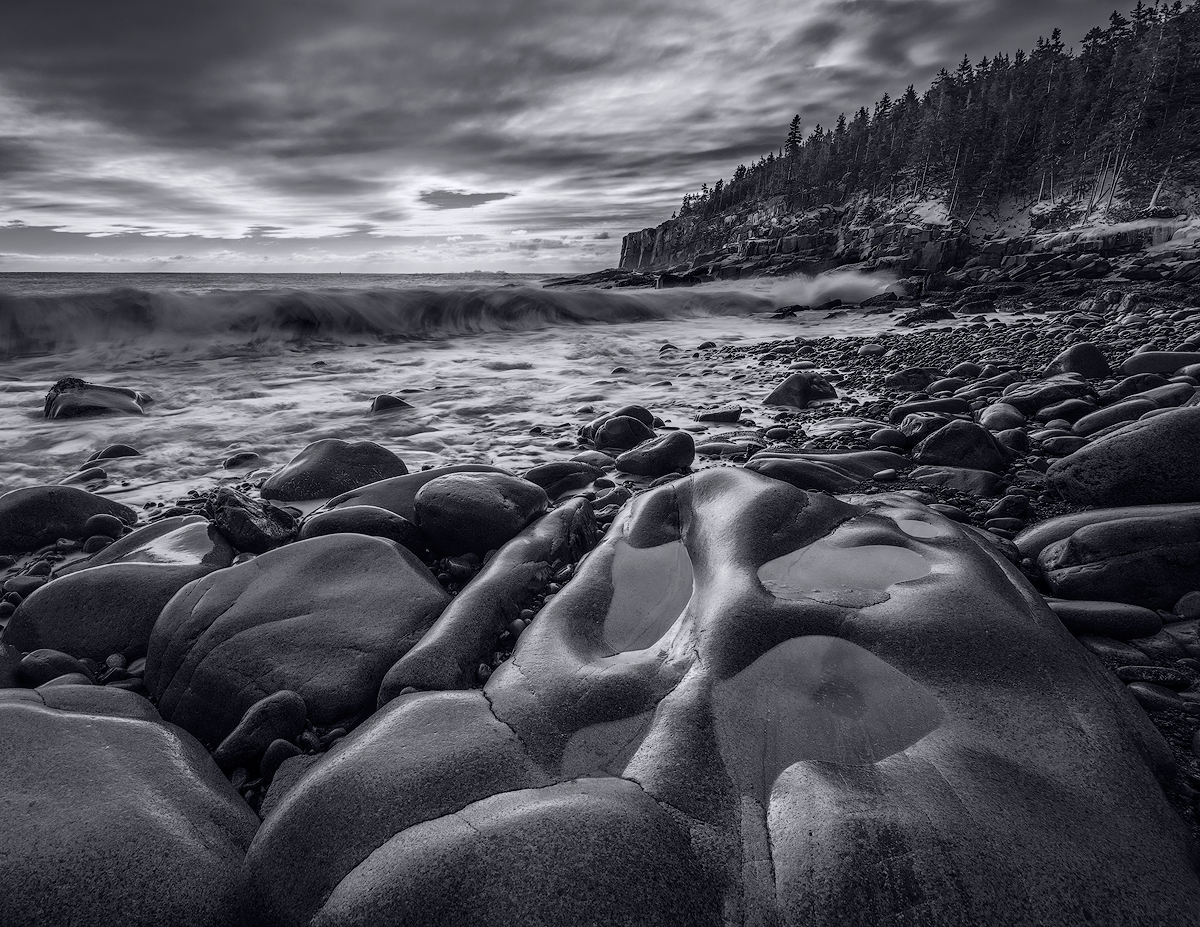
I was attracted to the luminous quality of this wet rock on the Acadia coast. This was taken during the recent deep freeze that hit the northeast. I was hoping to get some colorful cloud color reflected in the pools of water collected in the larger rock, but sunrise wasn't that spectacular. The sun did squeeze through the storm clouds and produced interesting highlights on the wet rocks, so I did wht I could with those conditions. I did a simple BW conversion in PSCS6 and a small crop off the left. A single exposure processed x 2. A polarizing filter to reduce glare slightly, but not enough to completely reduce the rock glare. The polarizer also helped me get some slower shutter speeds for the wave motion.
D810, 16 - 35mm, f16, ISO 31, 0.7 sec.

Comments
28 commentsPeter
Balan Vinod
@ Mattia - Here is the color version.
The OP is awewome.
--P
I opened up the right lower shadows and did a little yellow/blue split toning in ACR as suggested by Aaron. Maybe I toned too subtly, not sure. Didn't want to go overboard. Thanks for the suggestions.
Ed
The only suggestion I have is to tone down the lighter areas where the sky shows through the trees, particularly in the URC.
This is just awesome! Compositionally, every single element fits, is important and adds to the image - not even going to mention all the "elements," other than to say everything here is balanced. The processing is also excellent with just the right amount of contrast and tonal range.
Love the color version too. Only suggestion there is selectively desat the blues in the snow in the trees. Minor thought.
As far as the repost of the b&w, I think the original just looks better. It seems some of the life has been taken out with the toning.
This is an outstanding image Harry.
Lon
I really liked the first one, and I still prefer the processing in that one. I like the shadows along the right edge, and losing that shadow took some of the drama out of it.
However, I think I like the crop of the color and split tone versions, or something between them and the original. In the first one, the trees got cut off in the urc, and in the reposts, that cloud in the corner is a skight distraction (and might be moreso in b/w?). I would crop just between the two so we get the tops of trees, but not the cloud.
I am not typically a selective color kind of gal, but I can imagine this with a little of that blue kept in the water. Fabulous composition and perfect ss for getting the right mood in the clouds and water.
ML
I'm not sure what you mean when you say it was processed x 2 and would love to know.
Marvelous image. A winner.
@ Kathy - So my processing a RAW x 2 is done for images that have a higher dynamic range that might require 2 different exposures. I can often process the shadows and midtones in the initial RAW conversion at the expense of the highlights. I will then go back to the RAW image, and adjust sliders so that the brights and highlights are maintained. I then save this version of the Raw conversion, use it as a layer over the initial conversion that contained the shadows and mid tones and manually blend them to keep the best of both, then save this blended version. If the DR is too great, another exposure might need to be used. The advantage of processing the RAW x 2 is that the water, clouds are all in the same position in the file. Had I needed another exposure, clouds may have moved, water swirls and such might have been different which just makes the blending more difficult - but on occasion might help improve the image. I prefer not to shoot lots of bracketed images and sift through them if I can do it in one. Basically, I'm lazy in this respect! Hope that clears any confusion.