Sizzlin' Orange-Challeng
by Barbara Sammons
I’m very excited about the July challenge and hope everyone is as well. It’s great to see the finished image, but it’s also a good learning experience to see how the image started.
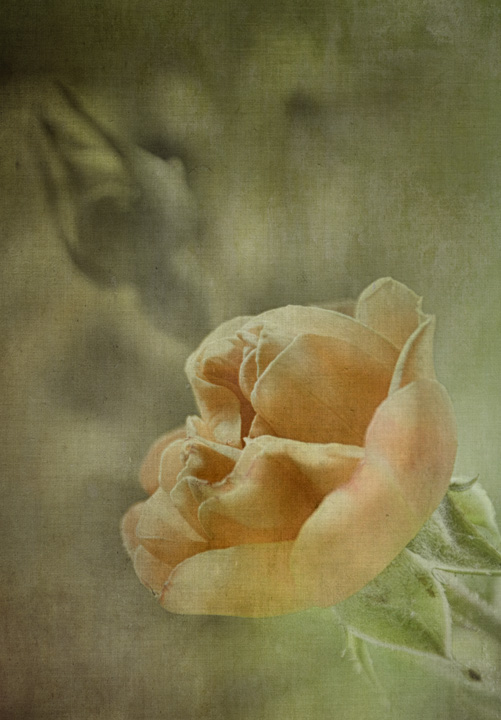
Here’s my first entry to the July challenge. I have these lovely orange tree roses in my yard and snapped a few pics the other day. As you can see from the original image, nothing to write home about so I just filed them away. Then I took another look today to see if I could enhance them by using texture overlays. Here was my processing.
I normally do not crop an image until near the end of processing, but I knew it would be better to crop the image before any other work was done. First step was to crop the image. Next, using Silver Efex Pro 2, I removed the color from the original image and then added a Control Point to the rose and small leaves to pull out just those colors. Then came the overlay of Apple Blush (from Flypaper Textures), blending mode of Multiply at 100%. Then another overlay called Pantheon Stone (from Flypaper Textures), blending mode of Soft Light at 55%. The rose needed to be brighter so using Color Efex Pro and the Darken/Lighten Center feature, I was able to place the center point on the rose and brighten it. One last bit of crop and I was finished.
Did I spend too much time on this image? Maybe, but it’s all a learning process. Here’s to a great month of challenges. Happy and safe Fourth to all my photography friends.
Comments, thoughts?

Comments
11 commentsSincerely,
Carol
(belated) congrats on the WP!
Sandy