Nature Photographers Network
This is the preserved archive of the original Nature Photographers Network. The community continues at naturephotographers.network.
Headwaters--Pulse
‹ PreviousLandscape GalleryNext ›

Headwaters--Pulse

by Nancy Lea Sandy

Gallery: LandscapePosted February 11, 201197 views4 comments
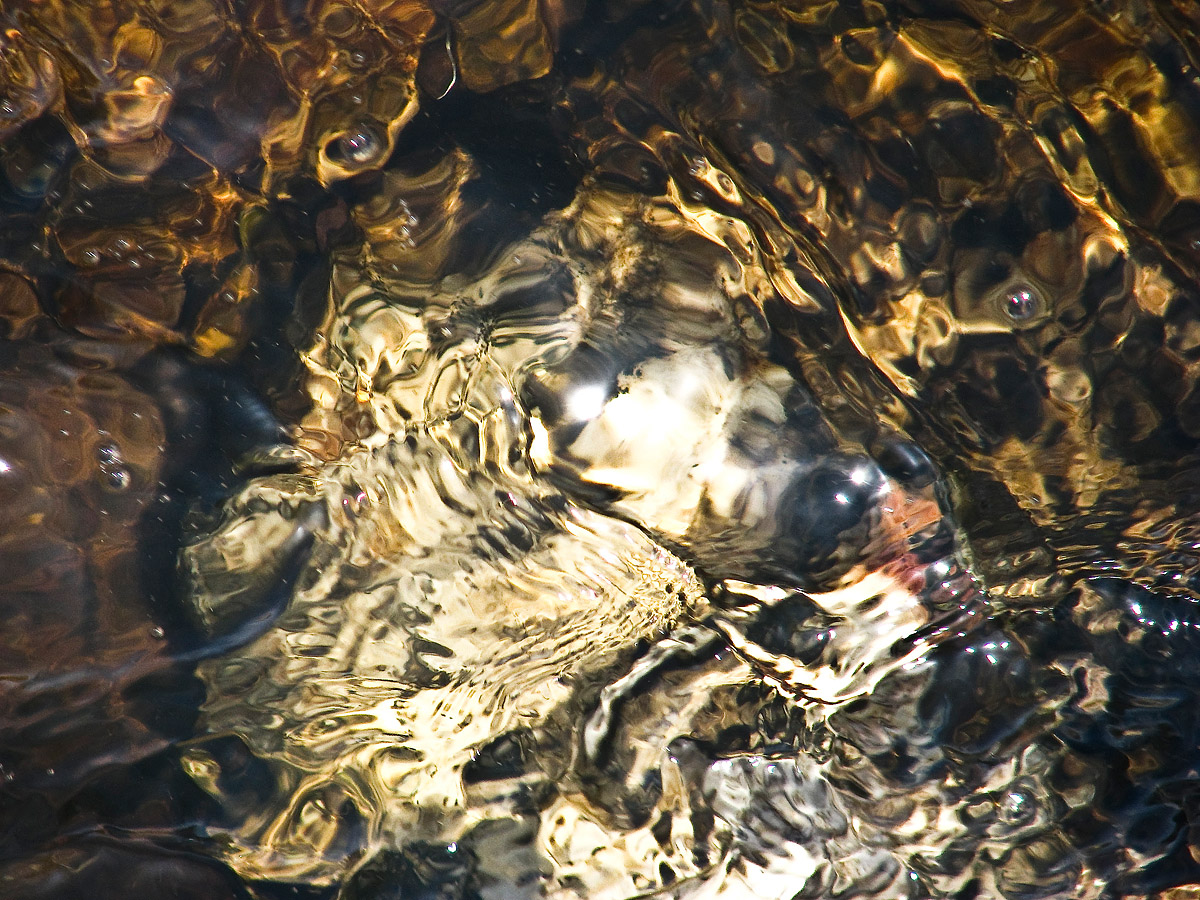
During the annual snowmelt, all sorts of springs pop up across the mountainside. This one, welling up from a badger hole, was particularly strong while it lasted (12 days) It pulsed like the heart of earth was pumping below my feet. Thanks for looking. Critiques welcomed

Canon Powershot
1/800sec f/3.5 71.2mm

Comments

4 comments
Comment posted by Raymond D Smith on February 12, 2011 at 11:29 AM
Not sure what to say about this it truly is an abstract. The water does a good job of blurring out the detail below yet the colours come threw nicely. The bubbles are a nice catch and so is the water texture that you have captured. I think the brightest part could be darkened a touch so as not to over power the rest of the picture. Cheers
Registered on January 22, 2009, 12 Posts, 479 Comments
Comment posted by Marc Adamus on February 12, 2011 at 2:48 PM
Nancy, the overwhelming brightness in the middle of this one introduces a lot of confusion into an abstract that would probably best rely on shapes, textures and colors to work. If there's any way to balance the harshness of the lighting here by starting over from a RAW file, that would work best. I'm not sure what Powershot you're using, but understanding the use of things like RAW and manual settings for exposure in digital nature photography is enormously important to the success of your images.
Registered on September 17, 2005, 780 Posts, 8091 Comments
Comment posted by Stan Rose on February 12, 2011 at 5:00 PM
I agree with Marc and Raymond, but i think this is a pretty wild and cool abstract even with the bright spot. It would be tough to really nail this, im not sure you could blend multiple exposures, so probably the only way would be to underexpose (or expose for the highlite) and then do some serious work in RAW. It really only the very brightest spots here that are problematic. :wavey:
Registered on September 15, 2005, 836 Posts, 17099 Comments
Comment posted by Nancy Lea Sandy on February 12, 2011 at 11:38 PM
I can see where the extreme brightness in the center could be problematic so I went into photoshop to see what I could do. I'm just learning photoshop so about the only tool I knew to manipulate this with was a healing brush. Not sure the results are an improvement but I did get the center toned down some. Comments?
Registered on January 24, 2011, 576 Posts, 6942 Comments